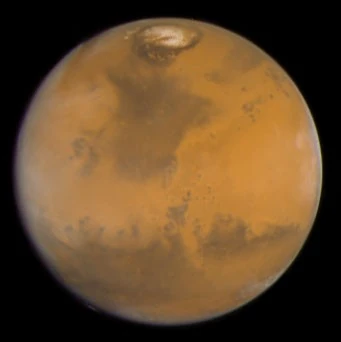
Robotic outpost
Launch, land, unload, construct. Establish power and survive the first night.
THE NEXT CHAPTER IS YOURS
A colony-building game for Windows, in development.
Start with a ship. Build a future on Mars.
Mars doesn’t make room for you. You make it habitable, one careful decision at a time.
Plan the cargo on Earth. Land on untouched ground. Put your robots to work, connect your power, and keep the outpost alive through its first night.
CURRENT BUILD: THE OPENING ROBOTIC MISSION
MORE THAN SURVIVAL
The ambition: a self-sustaining civilisation of one million permanent residents. A place with homes, industry, science, and a reason to stay.
The journey begins with robots and reliable infrastructure. Human arrivals, industrial districts, tourism, and the million-resident campaign are planned milestones.
Explore the foundations →Four foundations.
One outpost depending on you.
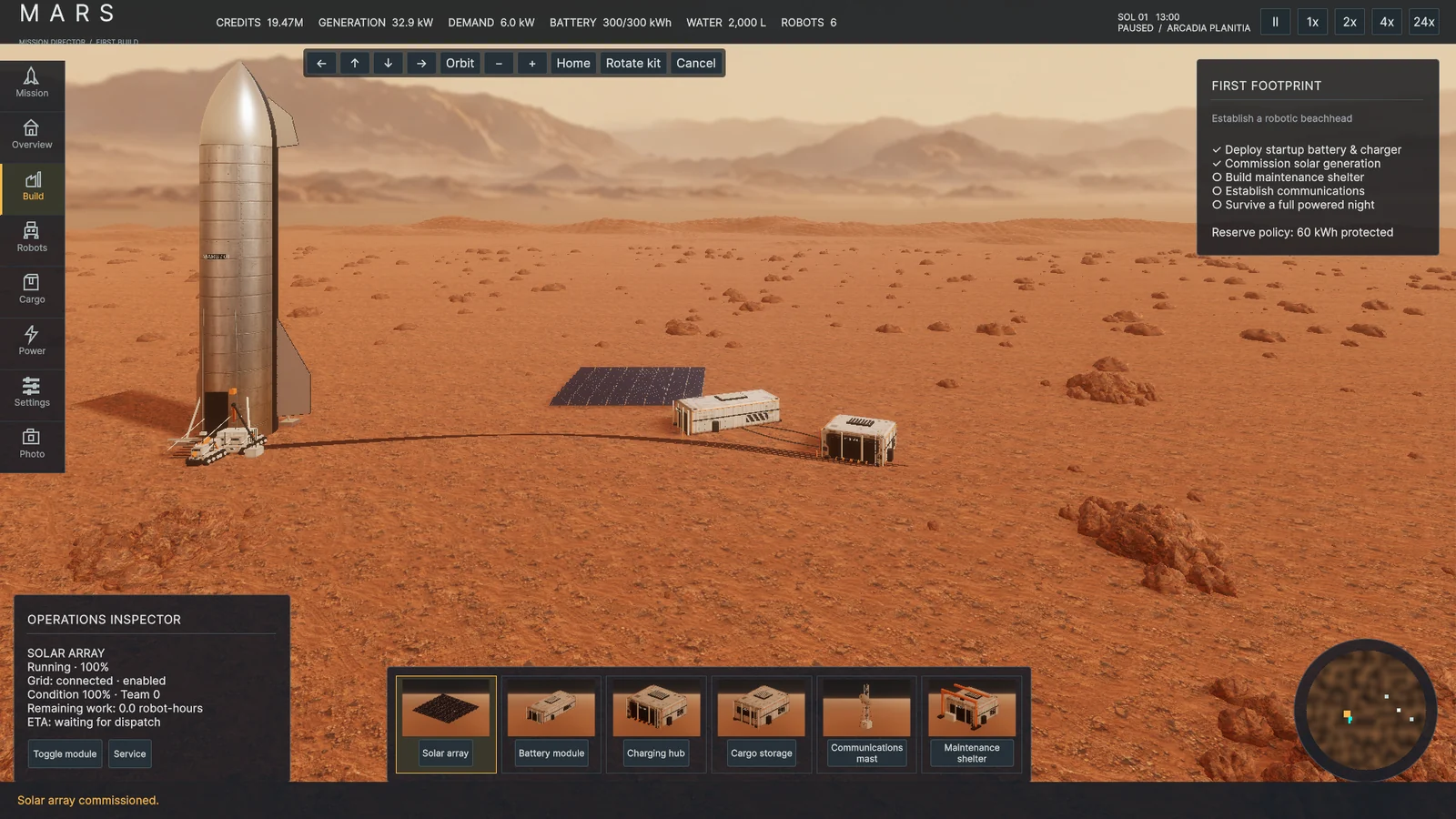 BUILD / REAL DEVELOPMENT CAPTURE
BUILD / FROM THE GROUND UP
Place imported kits within utility range. Leave room around the ship and neighbouring modules, then let your assembly and cargo robots turn a plan into working infrastructure.
Launch, land, unload, construct. Establish power and survive the first night.
Develop local extraction, purification, storage and follow-up freight.
Welcome people. Grow housing, food, research and a working economy.
Expand into a civilisation that can sustain itself for the long term.
A few decisions on Earth.
A better chance on Mars.
Check mass, volume and cost before you depart. Each ship carries the same manifest, with a limit of 100 tonnes and 400 m³.
Deploy the self-powered unloader, then unload the startup battery and folded charger before entering colony operations.
Place solar arrays near the charging hub. Add maintenance and communications within utility range to finish the opening checklist.
Shelter idle robots before night. This pauses optional construction and helps protect energy for essential overnight consumption.
MOBILE TOUCH CONTROLS
Full camera movement and kit placement using touch gestures and on-screen controls.
KEYBOARD QUICK REFERENCE
Real development capture.
Concept art shown separately.
Concept artwork includes illustrative interface elements and planned systems. These are not screenshots of the playable build.
Answers for your opening mission.
Keep your next step clear.
The opening robotic mission: Earth procurement, cargo transit, landing, robot construction, power management, first-night survival, local saves and photo mode. The full colony campaign remains in development. Public download details will appear here when available.
On Windows, look in %USERPROFILE%/AppData/LocalLow/Mars Project/MARS/. Settings provides three manual save slots and rotating autosaves. F5 saves and F9 loads the selected slot; loading pauses the simulation.
Check for a reserved imported kit, a compatible assembly robot and cargo carrier, available charging capacity, and enough power. A sheltered fleet pauses construction. At critical energy levels, optional work is shed to protect the reserve.
Photo mode pauses production and lets you preview day, dusk or night without changing operational resources. Use F12 to capture an image. Power controls the actual grid; photo lighting is a preview.
Keep the build version, a screenshot and the steps that reproduce the issue. Visit the contact page for the information to include in a report. Please keep passwords and account credentials out of reports.
Display preferences for this website.
THE FUTURE STARTS WITH ONE LANDING